Last updated: 6 July 2026
TL;DR: Moving rotas, leave and hours into a veterinary practice management dashboard works best in a set order: leave balances first, then the rota, then clock in and out. Run the old spreadsheet and the new system side by side for one full rota cycle, name a single go-live date, and judge success after a month by one test: has anyone opened the old spreadsheet?
Most practices do not fear the software. They fear the move: the week where balances are half in a spreadsheet and half in a system, and nobody is sure which one is right. This is the honest version of that migration, in the order that keeps it boring.
A veterinary practice management dashboard is one screen where the rota, leave requests, balances and working hours live together. Staff log in to see their shifts, book time off and clock in and out. The practice manager sees cover, balances and hours in one place instead of across three spreadsheets and a message thread.
The point is not that each piece is new. Most practices already have a rota file, a leave tracker and some record of hours. The point is that the pieces feed each other. An approved holiday request updates the rota. Clocked hours reconcile against the shifts that were planned. Nothing is re-keyed, so nothing drifts.
The stakes behind the data are statutory, not cosmetic. Almost all workers are entitled to 5.6 weeks of paid holiday a year, capped at 28 days, under GOV.UK guidance on holiday entitlement. A dashboard is simply the place where that entitlement, the rota and the hours stop contradicting each other. See our staff systems page for what the pieces look like in practice.
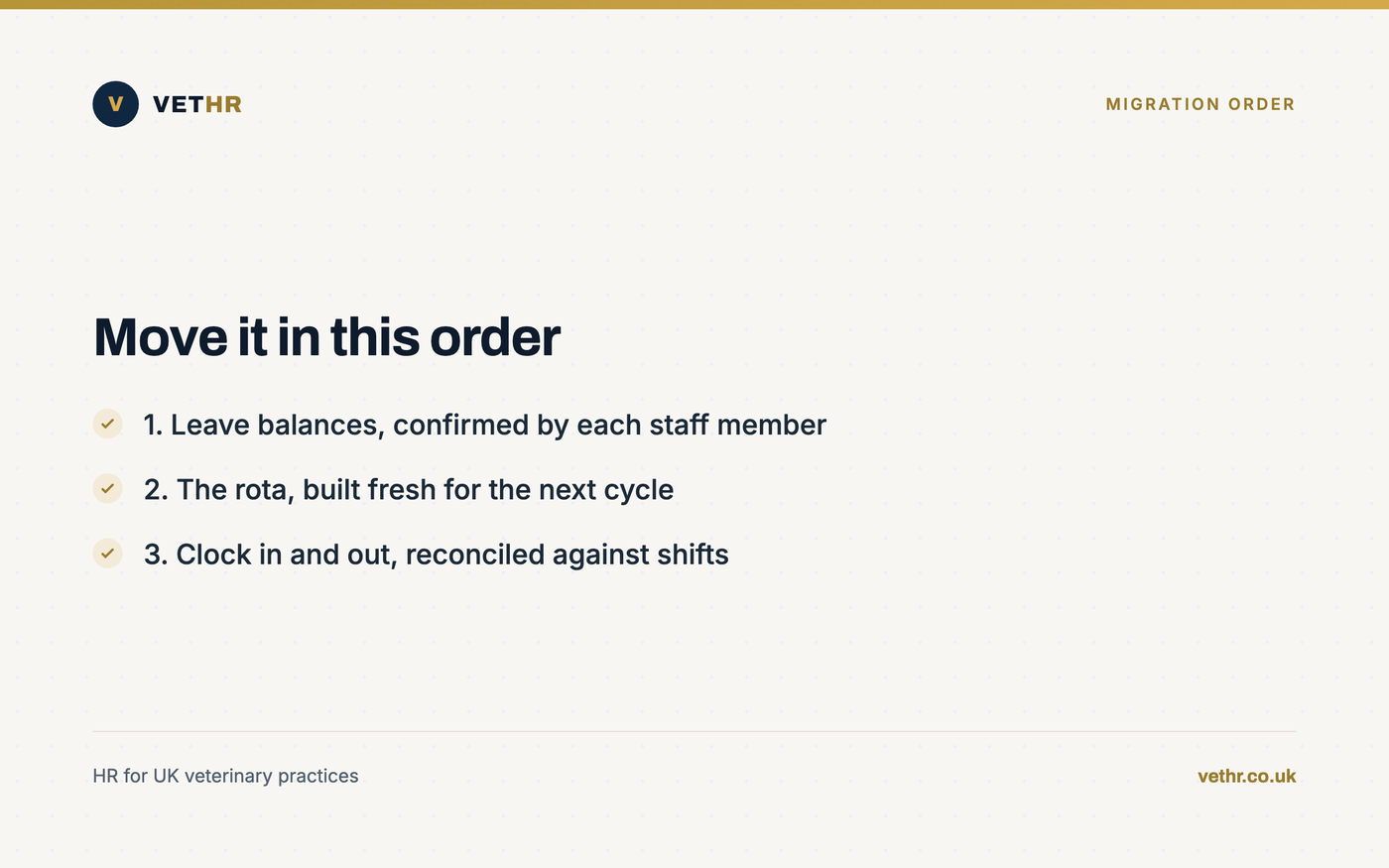
Move leave balances first, then the rota, then clock in and out. Balances are the smallest dataset and the easiest to verify. The rota is the piece staff look at every day, so it drives adoption. Hours only make sense once the rota they are checked against already lives in the system.
Step one: leave balances. Pick a cut-over date, agree each person’s remaining entitlement as of that date, and have every staff member confirm their own figure before it is loaded. This is the single best moment to clean the data, because a wrong balance carried into a new system just becomes a wrong balance with better formatting.
Irregular-hours staff need particular care here. For leave years beginning on or after 1 April 2024, irregular-hours and part-year workers accrue holiday at 12.07 percent of hours worked in each pay period, as set out in GOV.UK guidance on the holiday pay and entitlement reforms. If your spreadsheet has been approximating that by hand, expect corrections, and make them before go-live rather than after.
Step two: the rota. Build the next rota cycle in the system from scratch. Do not re-key old rotas. History belongs in an archive, not in your new working data. Building the cycle fresh also forces the questions a spreadsheet lets you dodge: what the real minimum staffing is per day, which shifts need an RVN on the floor, and where out-of-hours cover actually comes from.
Step three: clock in and out. Once shifts are published in the system, hours have something to reconcile against. This is also where record-keeping tightens up: employers must keep working time records for two years from the date they were made, according to Acas guidance on the working time rules, so timestamped hours in one place stop being a nice-to-have.
Just as important is what you do not move. Old rota files, past leave records and historic timesheets stay where they are, archived and read-only. Re-keying history into the new system adds weeks of work, introduces fresh errors, and buys you nothing, because the record you must be able to produce already exists in the old format.
Run both for one full rota cycle, usually around four weeks. The old spreadsheet stays the official record while the dashboard runs alongside it. At the end of the cycle you compare balances, shifts and hours between the two. If they match, you name the go-live date and retire the spreadsheet.
One cycle is enough. A longer parallel run sounds cautious, but it means double entry for weeks, and double entry is exactly the failure mode you are leaving behind. Teams that run parallel for a quarter learn neither system properly and resent both. One cycle proves the maths and the workflow, then you commit.
Give the parallel run one named owner, usually the practice manager. Their job is to keep the two records in step and to log every mismatch. In our experience the reconciliation at the end of the cycle usually vindicates the system: most discrepancies turn out to be spreadsheet errors that had been sitting there quietly, especially around part-time and variable-hours balances.
This is the route an independent veterinary practice took with us: balances confirmed first, one rota cycle in parallel, then a clean switch. You can read more about who we work with on our customers page, and see how shifts, leave and cover fit together in the rota system.
If you are weighing up a move like this, the first step is not a demo. It is 30 minutes on how your practice handles rotas, leave and hours today, and where the current method is costing you. Book a free HR health check and we will tell you honestly whether a dashboard would help, and what to fix first either way.
Staff switch when the dashboard is the only place their next rota is published. Pick the go-live date, publish the new rota cycle in the system only, and stop answering rota questions the old way. Pair that with a short walkthrough and one named person who fixes login problems the same day.
Adoption is a habit problem, not a software problem. The rota is the anchor habit because everyone checks it, vets, RVNs, receptionists and freelance vet cover alike. Once checking the rota means opening the dashboard, booking leave in the same place is a small step rather than a new behaviour.
Hold the line on requests. When someone texts a holiday request, the answer is friendly and consistent: put it in the system and it will be approved there. Every exception you grant extends the life of the old method. For less confident staff, a ten-minute walkthrough in a team meeting and a one-page crib sheet cover almost every case.
There is a fairness dividend too. When requests and approvals are visible in one place, first come first served becomes something you can show rather than claim. That matters in a small team where leave clashes used to be settled by whoever asked loudest.
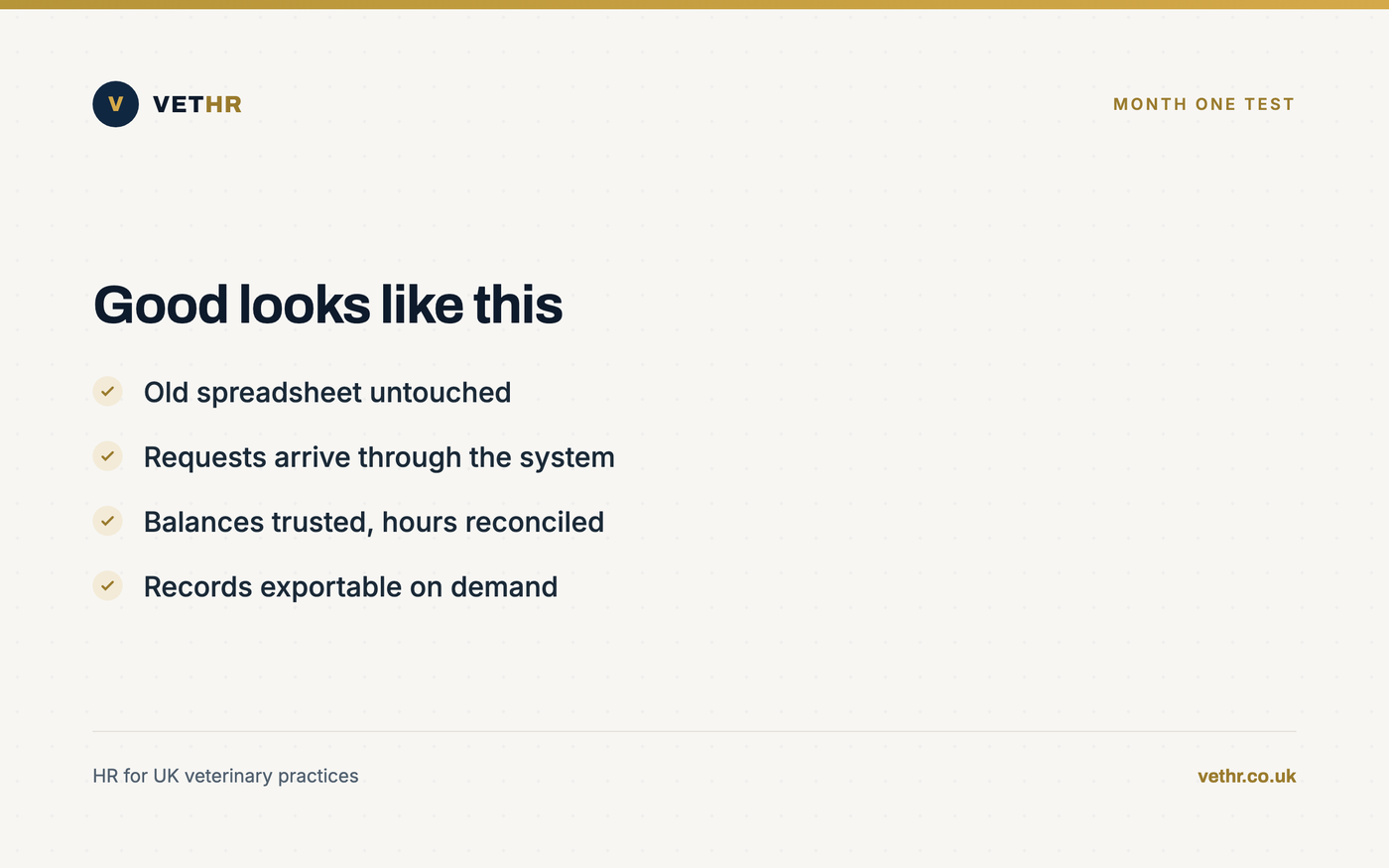
After a month, nobody has opened the old spreadsheet. Leave requests arrive through the dashboard rather than by message. The next rota cycle was built and published inside the system. And you can produce any person’s balance or hours in seconds instead of reconstructing them from files and memory.
Run an honest checklist at the four-week mark:
If two or more of those fail, do not blame the team. Go back to the anchor: is the rota genuinely published only in the system? In almost every stalled migration we see, the old method survived because someone kept feeding it.
Past the mechanics, the month-one payoff is a change in the conversations. Leave clashes get settled by looking at the screen together rather than by memory and seniority. Questions about hours become questions about a shared record. The practice manager stops being the human database, which is the quiet cost the spreadsheet never showed on any invoice.
Plan around one full rota cycle of parallel running, plus the setup time before it: confirming leave balances, loading staff details and building the first rota in the system. The parallel cycle is the long pole. Practices that skip it either get lucky or spend longer firefighting after go-live than the cycle would have taken.
No. Sequence them: leave balances first because they are small and verifiable, the rota second because it drives daily use, and clock in and out last because hours need a published rota to reconcile against. Moving everything on one day multiplies the places a mistake can hide during the switch.
Archive them read-only and keep them. They are part of your records, and employers must keep working time records for two years from the date they were made, according to Acas. What you must not do is leave them editable, because an editable old spreadsheet quietly becomes a second system again.
Redirect, every time, kindly. Publish the rota only in the system so there is nothing to check anywhere else, and answer message-based leave requests with a consistent line: put it in the system and it will be approved there. Support the reluctant with a short walkthrough rather than an exception, because exceptions keep the old method alive.
It has to, because practices run on part-time and variable-hours staff. For leave years from 1 April 2024, irregular-hours and part-year workers accrue holiday at 12.07 percent of hours worked each pay period, per GOV.UK guidance. A proper system applies that automatically, which is exactly the calculation hand-kept spreadsheets get wrong most often.
Migrations do not fail because the software is hard. They fail because everything moves at once, nothing is verified, and the old spreadsheet is left alive as a comfort blanket. Sequence the move, run one honest parallel cycle, publish the rota in one place only, and the switch to a veterinary practice management dashboard is quieter than the average Monday morning.
If you want a second pair of eyes on your setup before you commit, start with our staff systems overview, see how the rota system anchors the rest, or book a free HR health check and we will map your migration order with you. Straight answers, nothing sold that you do not need.
The Vet HR Team provides HR consultancy and white-labelled staff systems exclusively to UK veterinary practices.
Read next: The Practice Manager's Monday.
Contracts, rotas, holiday, a difficult conversation. Tell us what you are dealing with and we will come back within one working day. Nothing to sign up to.
Got it. We will come back to you within one working day. If you do not see a reply, please check your spam folder.
